
tc-32
BRK Dispatch: Split loads
if the load is not yet divided, then it has the following features
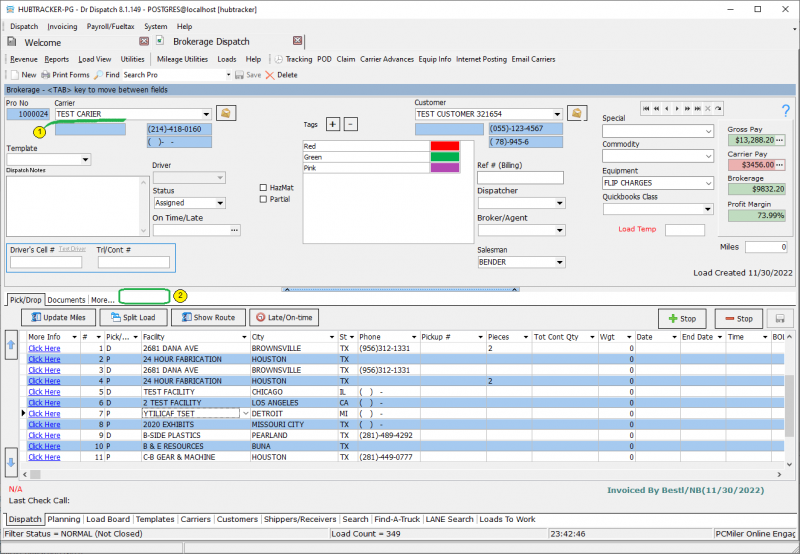
- a field for choosing a carrіer
- the additional tab “load splits” is missing
You can split the load in 2 methods:
method 1 - using the context menu
Before using this method, it is necessary to select a stop that will remain the last in the first subordinate load.
After that, you need to select the “Split” item in the context menu
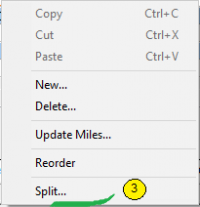 After clicking on “Split”, a form will appear in which you need to enter the location in which this split will physically take place.
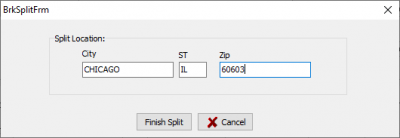 This city will appear in the last stop of the first child load and in the first stop of the second child load.
tc-32.txt · Last modified: 2025/12/16 04:52 by 216.73.216.58
Except where otherwise noted, content on this wiki is licensed under the following license: CC Attribution-Share Alike 4.0 International


