
tc-31
This is an old revision of the document!
Table of Contents
You can edit Carrier in several different ways:
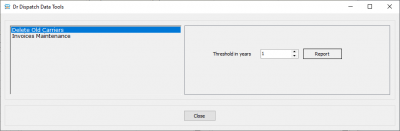
1. Deleting old carriers from "Settings / Data Tool" menu
2. Directly in the carriers directory
Test adding a new carrier
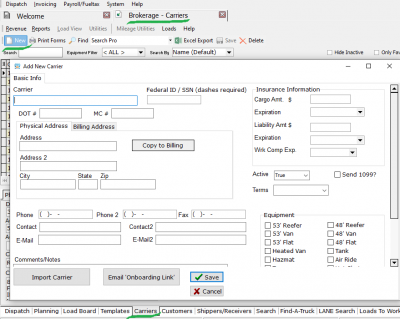
Test editing all input fields on below
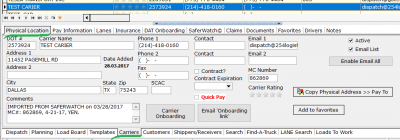
Test edit "Carriers / lanes tab"

3. From an external MacroPoint application
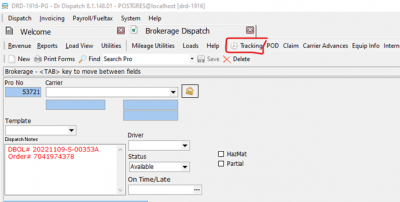
Brokerage Dispatch → Tracking button
4. From an external SaferWatch application
5. Import from Quick Book
tc-31.1753910063.txt.gz · Last modified: 2025/07/31 00:14 by 20.171.207.163
Except where otherwise noted, content on this wiki is licensed under the following license: CC Attribution-Share Alike 4.0 International


