
tc-2
Multiuser mode
Enable Multiuser mode Go to “System” → “Settings” → “Security and general preferences” and check “Security enabled”
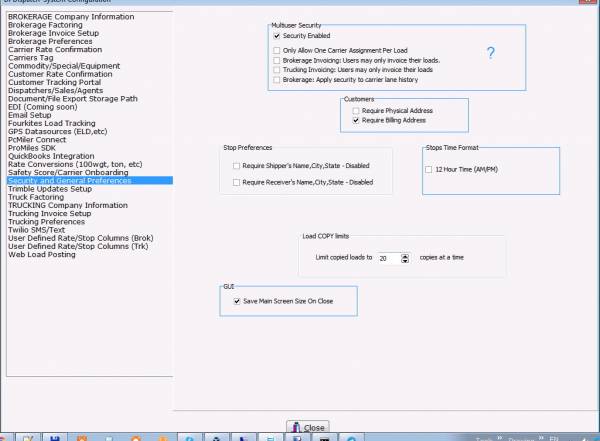
Expected Result:
- Upon entering the program, a dialog box for user identification will be shown
- In the Revenue window of the Brk and Trk sections, the “Users” and “Offices” tabs will appear
tc-2.txt · Last modified: 2022/12/13 21:54 (external edit)
Except where otherwise noted, content on this wiki is licensed under the following license: CC Attribution-Share Alike 4.0 International


