
Steps to create a Brokerage Dispatch.
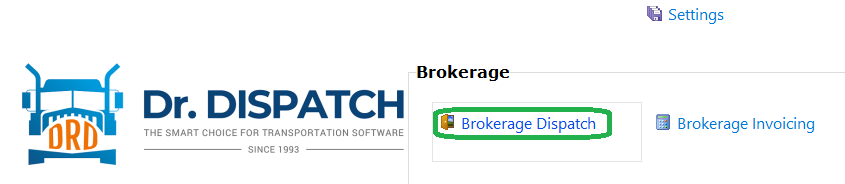 1 - Brokerage Dispatch - the Brokerage Dispatch tab will open, and the “Dispatch” sub-tab will open on it below and the document with the highest number will be loaded into it.
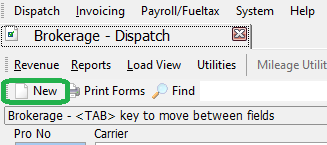 Next, you need to create a new document. To do this, click the “New” button, and then enter a new number in the pop-up window (if “Existing”, a message will appear
“Pro#…. already exists! Try another number)
If an unused number is entered, all fields are cleared and prepared for the new values. The minimum required set of rows will be created in the grid. There will be 1 pick (loading) and 1 drop (unloading).
Next, you need to create a new document. To do this, click the “New” button, and then enter a new number in the pop-up window (if “Existing”, a message will appear
“Pro#…. already exists! Try another number)
If an unused number is entered, all fields are cleared and prepared for the new values. The minimum required set of rows will be created in the grid. There will be 1 pick (loading) and 1 drop (unloading).
Next, you need to fill in the document header and grid fields. Carrier - if the required one is not in the list, you can add a new one. To do this, just select the line <New carrier>
The customer - is only a choice from the list. You cannot add a new one to this list.
Gross payment.
Carrier Pay
In the grid, the Facility - drop-down list is obligatory filled. One of the lines of this list <NEW SENDER> in the line with the attribute P (peak) or <NEW RECEIVER> in the line with the attribute D (drop) allows you to add a new destination for loading or unloading, respectively


