
old revision restored (2025/08/14 18:03)
tc-32
BRK Dispatch: Split loads
if the load is not yet divided, then it has the following features
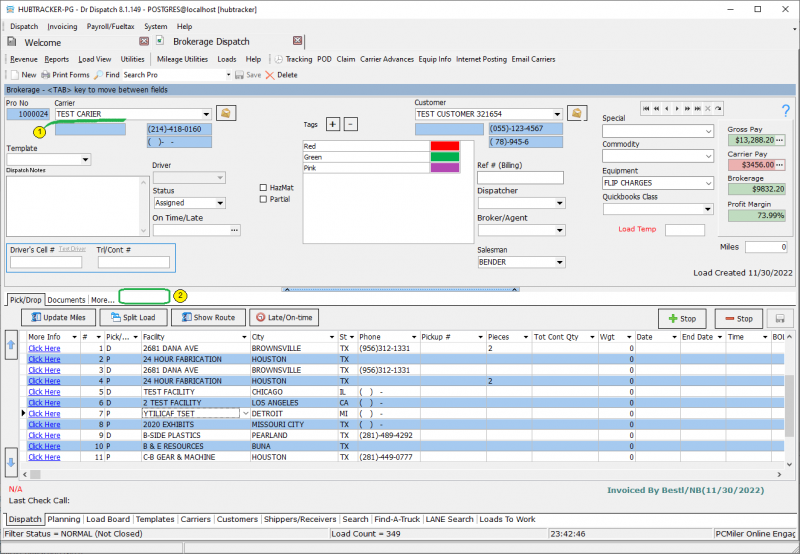 1 - a field for choosing a carrіer
2 - the additional tab “load splits” is missing
You can split the load in 2 methods:
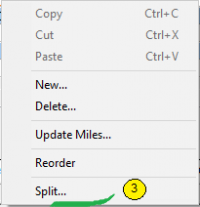
method 1 - using the context menu
tc-32.txt · Last modified: 2026/03/28 09:54 by 216.73.216.86
Except where otherwise noted, content on this wiki is licensed under the following license: CC Attribution-Share Alike 4.0 International


