
tc-31
This is an old revision of the document!
Table of Contents
You can edit Carrier in several different ways:
1. Deleting old carriers from "Settings / Data Tool" menu
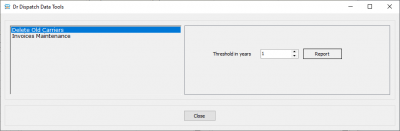
2. Editing directly in the carriers directory
Test adding a new carrier
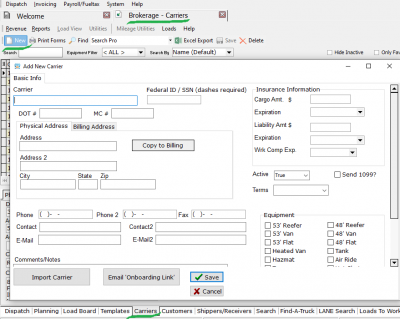
Test editing all input fields on below
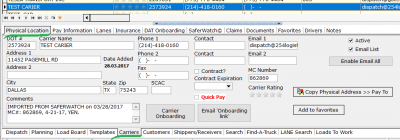
Test edit "Carriers / lanes tab"

3. From an external MacroPoint application
Brokerage Dispatch → Tracking button
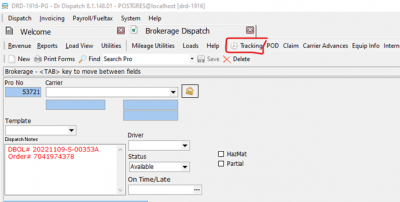
Load Tracking – Brokerage form → MacroPoint page → Add/Track button (1)

When bload.car_id has an empty carrier.dot field then a dialog shows. Inputs on Track Via block need to be filled. (2)
After entering, it will be written to the log.
4. From an external SaferWatch application
5. Import from Quick Book
tc-31.1750860714.txt.gz · Last modified: 2025/06/25 17:11 by 20.171.207.99
Except where otherwise noted, content on this wiki is licensed under the following license: CC Attribution-Share Alike 4.0 International


