
old revision restored (2021/12/23 20:25)
tc-8
A/P History Enter Checks option
Introduction: In the program, the User is able to look through the A/P History and edit the information there.
Action: Go to Brokerage Invoicing → Utilities → A/P History → Change any field
How it should look like:
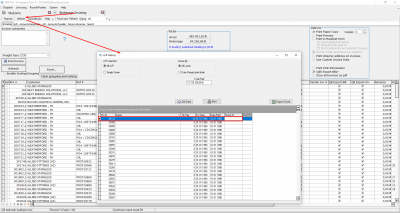
Expected Result:
The user is able to edit any field without any problem. All inserted information should be seen in the fields.
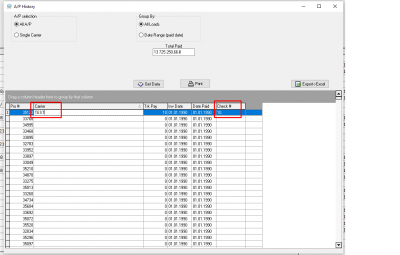
tc-8.txt · Last modified: 2022/12/13 21:54 (external edit)
Except where otherwise noted, content on this wiki is licensed under the following license: CC Attribution-Share Alike 4.0 International


